Here is the switch.
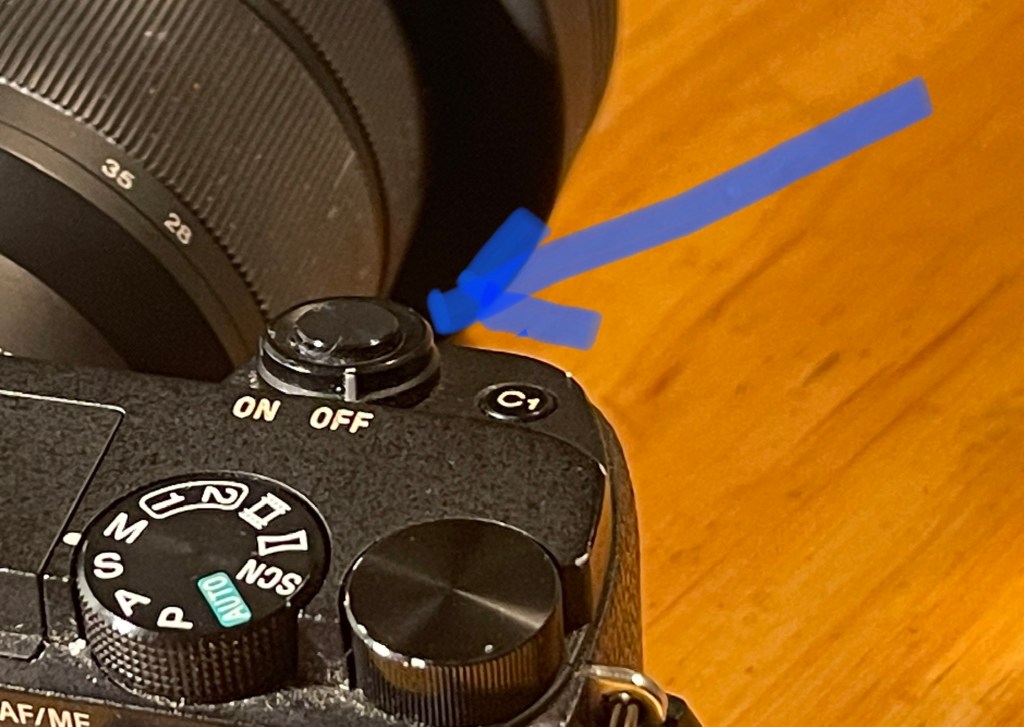
Here is the switch.
Just a start! Experiment, experiment, experiment with different settings!
1. Rotate and set to M – manual.

2. Rotate this wheel to 1/100 shutter speed.

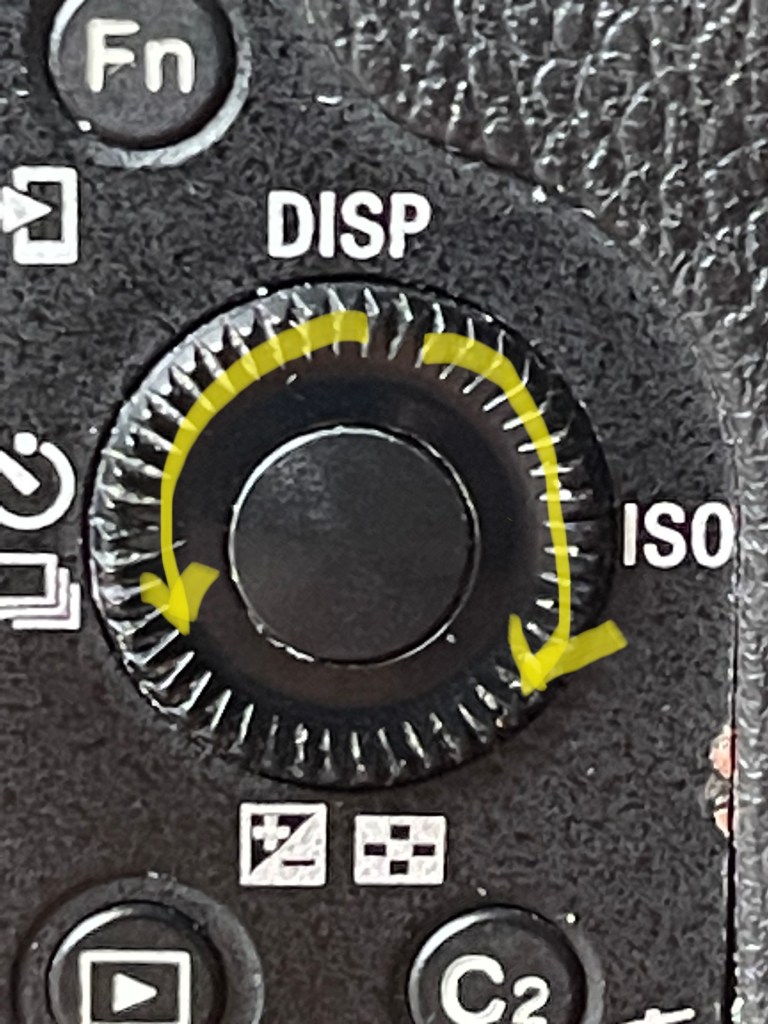
3. Press and hold down the wheel at the blue dot in the picture. Set the ISO at 125.

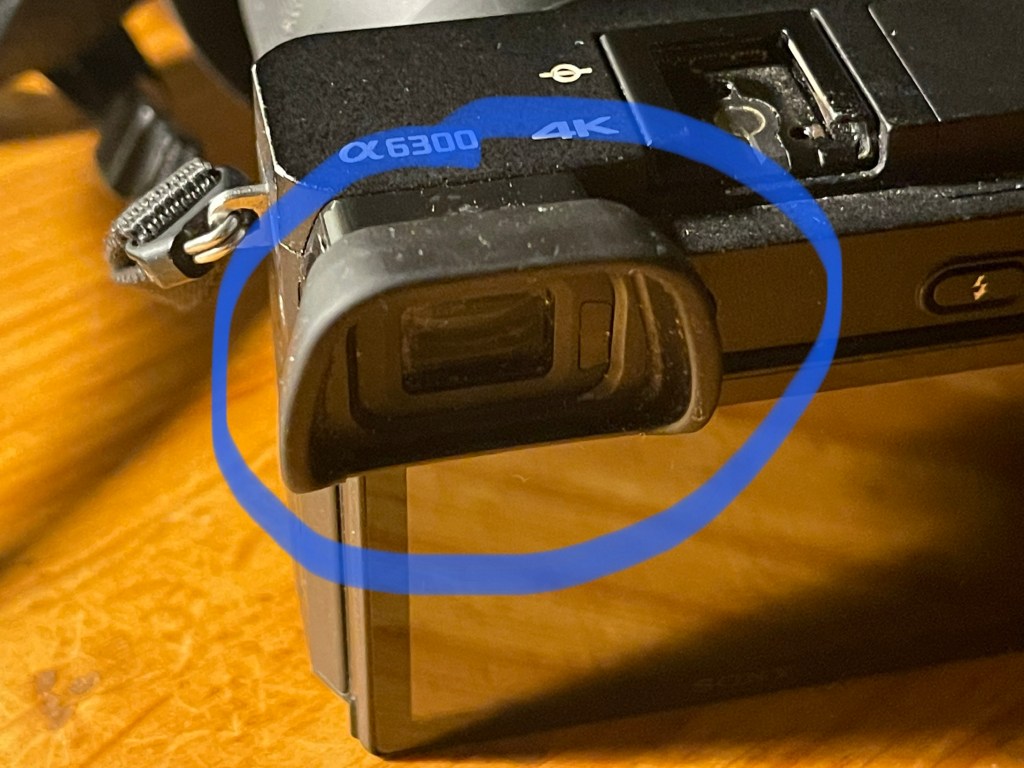
4. (Two pictures). Look through the view finder. The picture will be too dark, ok or too light. Scroll the wheel backwards and forwards until you are happy with the light. Take the picture. Good luck.
Happy experimenting!
John – Rank beginner.
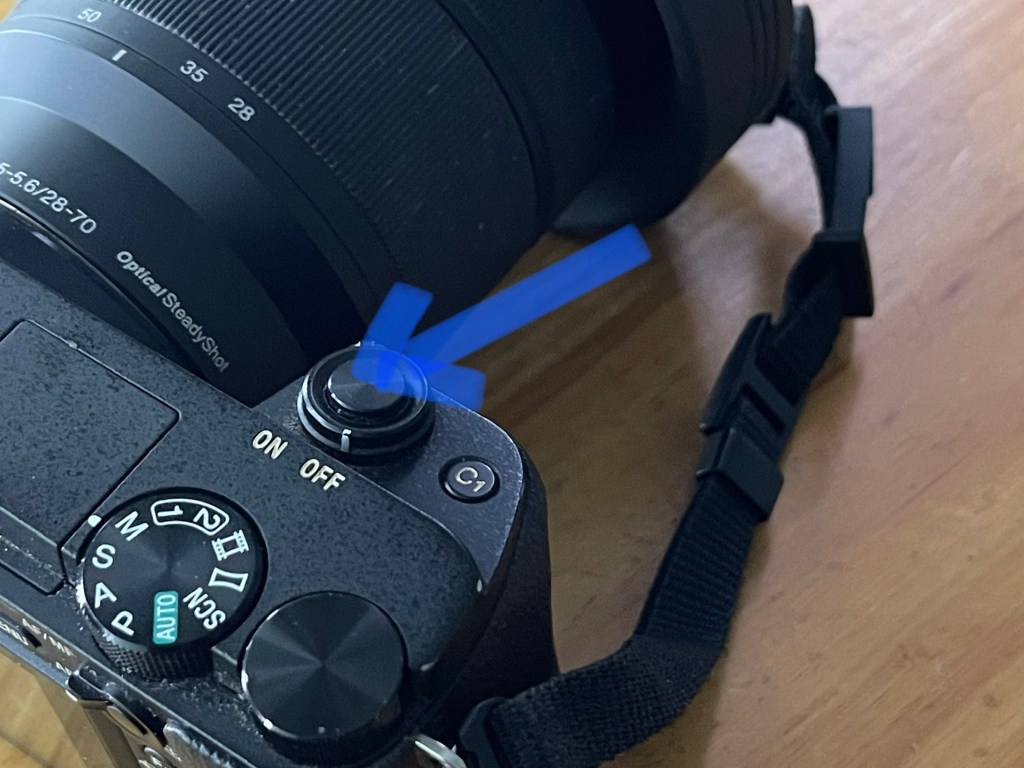
Press the small round button half way. Wait for the camera to focus. Press the button all the way down. The camera takes the picture.
 johnbartels.com